Your wallet.
Built for the run.
Turn your Garmin smartwatch into a secure, contactless wallet. Add your cards to Curve Pay and unlock bank support for fast, easy payments on the go - no phone, no wallet, no limits.

Everyday Spending

Smart Features

Flexible Payments

Security & Control
Turn your Garmin smartwatch into a secure, contactless wallet. Add your cards to Curve Pay and unlock bank support for fast, easy payments on the go - no phone, no wallet, no limits.
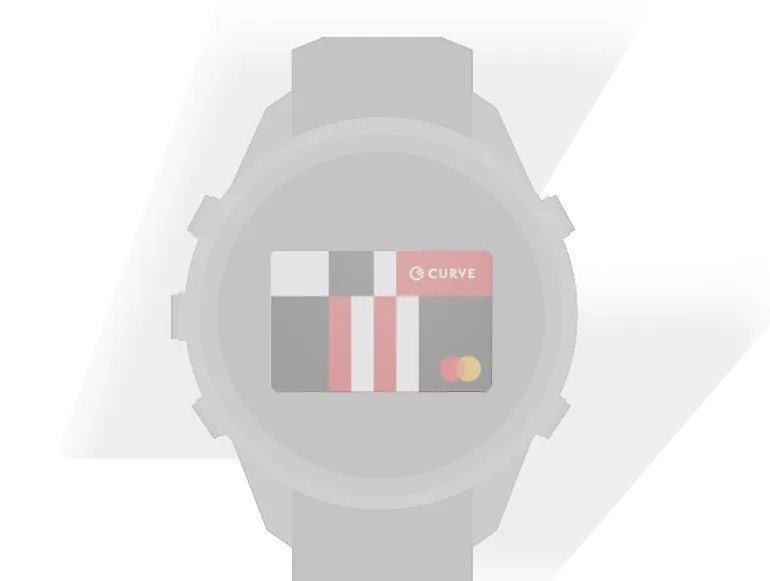
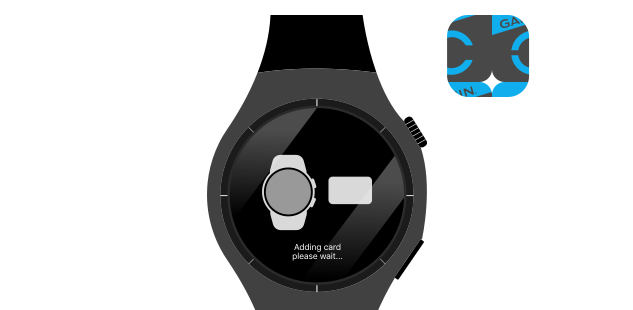
Not all banks support Garmin Pay - but Curve Pay changes that. Add your debit or credit cards to Curve Pay, then connect Curve Pay to Garmin Pay to unlock wider compatibility.
Curve Pay works with most Visa, Mastercard, Diners Club, and Discover cards, so you can keep using the cards you already have.
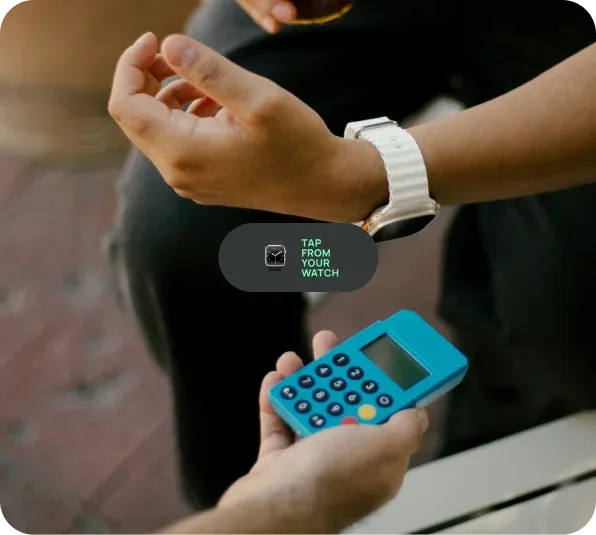
Link multiple cards to Curve Pay and access them through Garmin Pay. Set your preferred card in the app and pay instantly from your wrist - no need to switch cards at checkout.
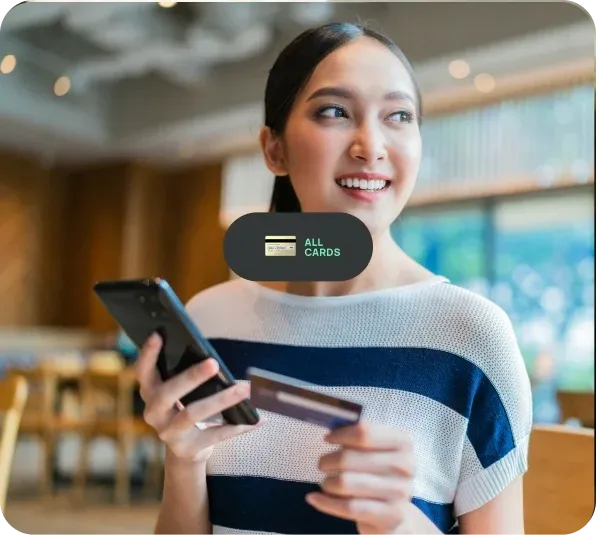
Curve Pay applies competitive exchange rates to help you avoid unnecessary FX fees abroad. You can also earn cashback on eligible spending, on top of your existing bank rewards.
Spend like a local - whether you're travelling, training, or commuting.
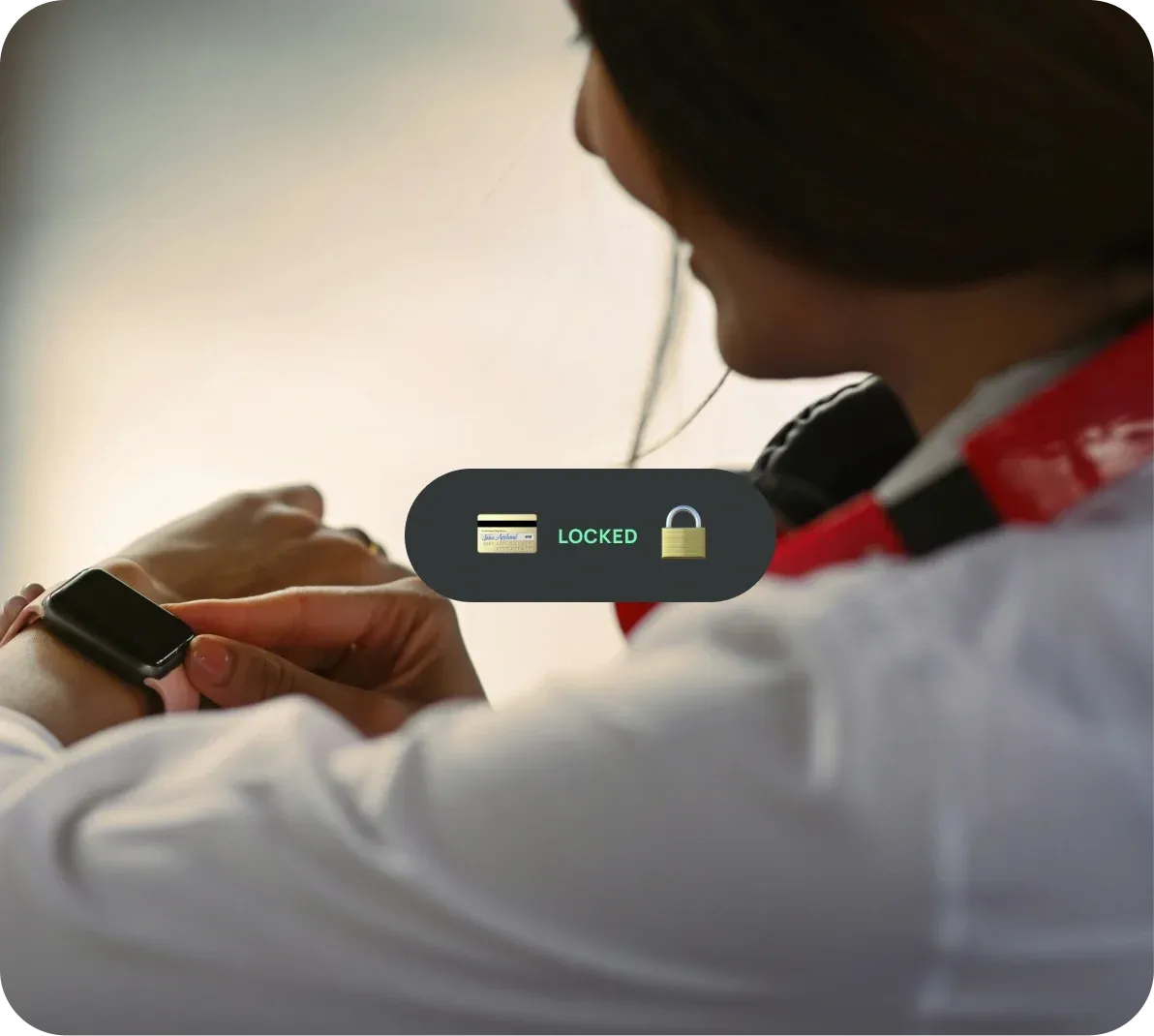
Every payment using Curve Pay is tokenised, so your real card details are never shared with Garmin or merchants.Garmin devices require a passcode to enable payments and automatically lock when removed from your wrist.
You can manage or remove your Curve Pay card anytime from the app, with real-time fraud monitoring adding an extra layer of protection.
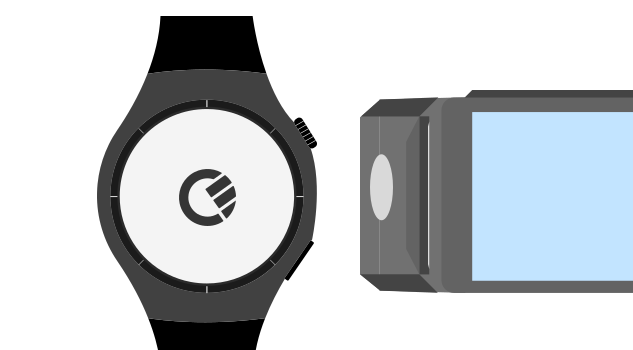
Yes. Once set up, you can make contactless payments directly from your Garmin watch without needing your phone.
Some banks are not supported by Garmin Pay. By adding your card to Curve Pay first, you can then use it with Garmin Pay.
Yes. Payments are tokenised, protected by a device passcode, and your real card details are never stored or shared.
You can freeze your Curve Pay card instantly via the app.
Curve Pay supports most Visa, Mastercard, Diners Club, and Discover cards. UK users can also link PayPal.
With Curve Pay, Garmin Pay is accepted anywhere contactless Mastercard or Visa payments are accepted.
Yes. You’ll continue earning your existing bank rewards, plus any Curve cashback where eligible.
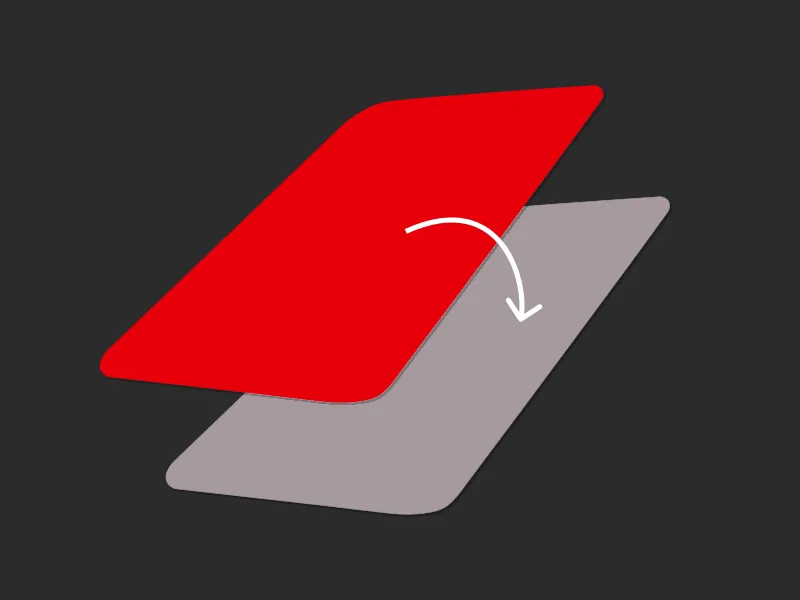
Yes. With Go Back in Time®, you can move a payment to another card after the transaction in the Curve Pay app.
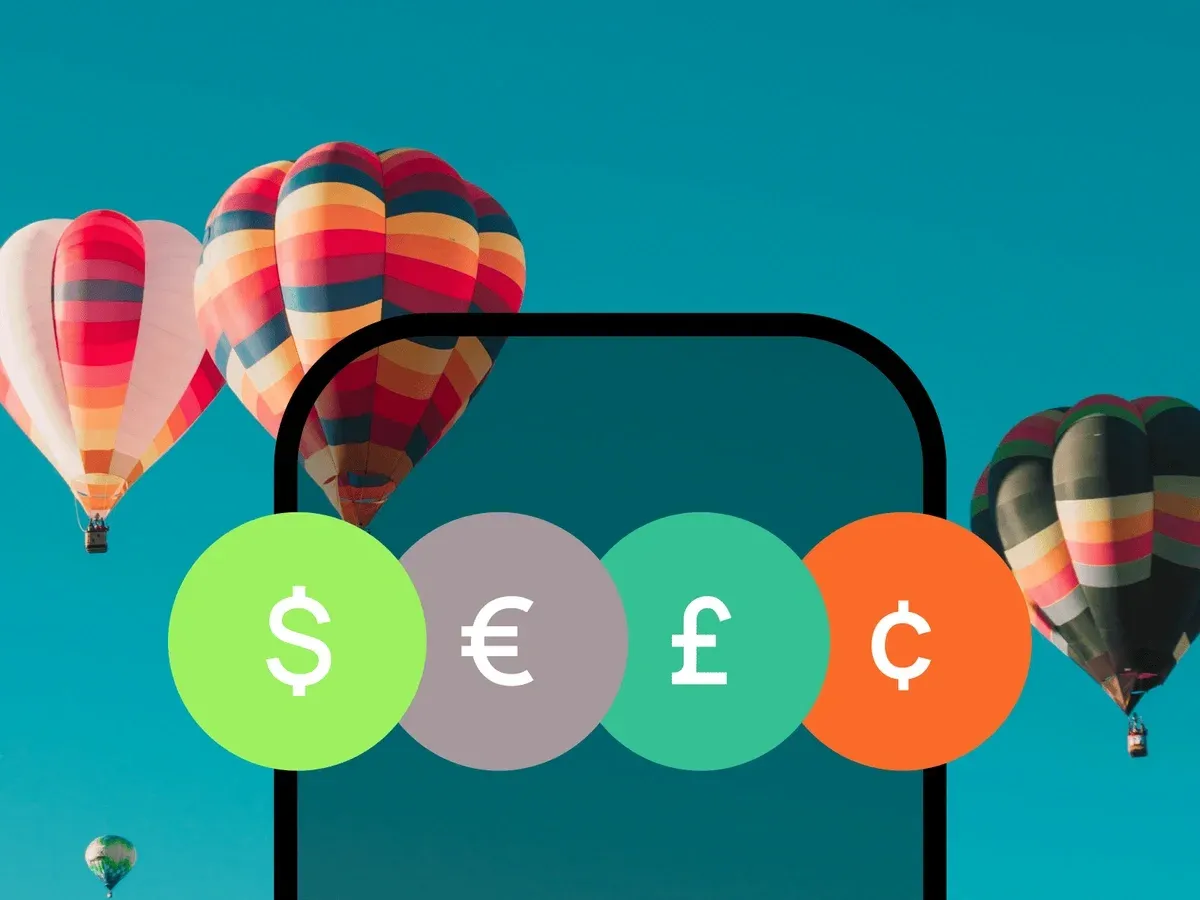
Unlock 1% cashback and skip the FX fees.
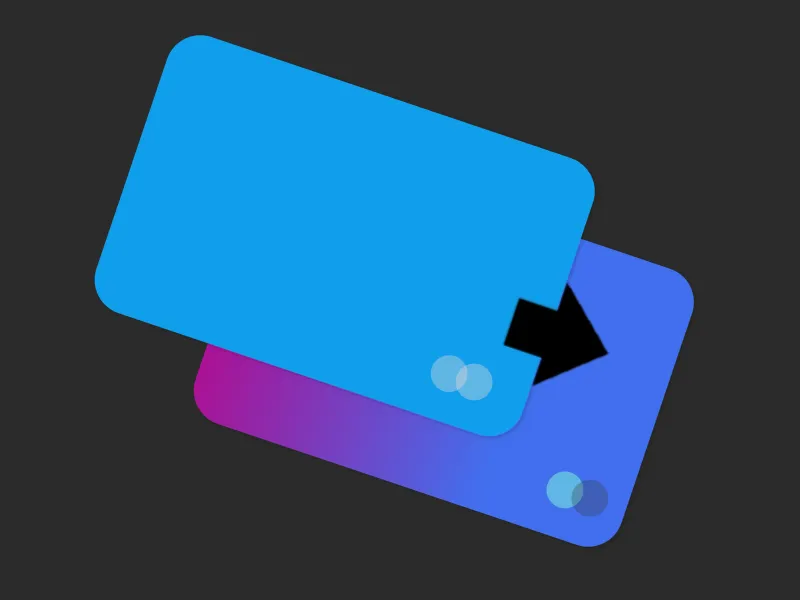
Made a payment on the wrong card? Fix it with Go Back in Time®.
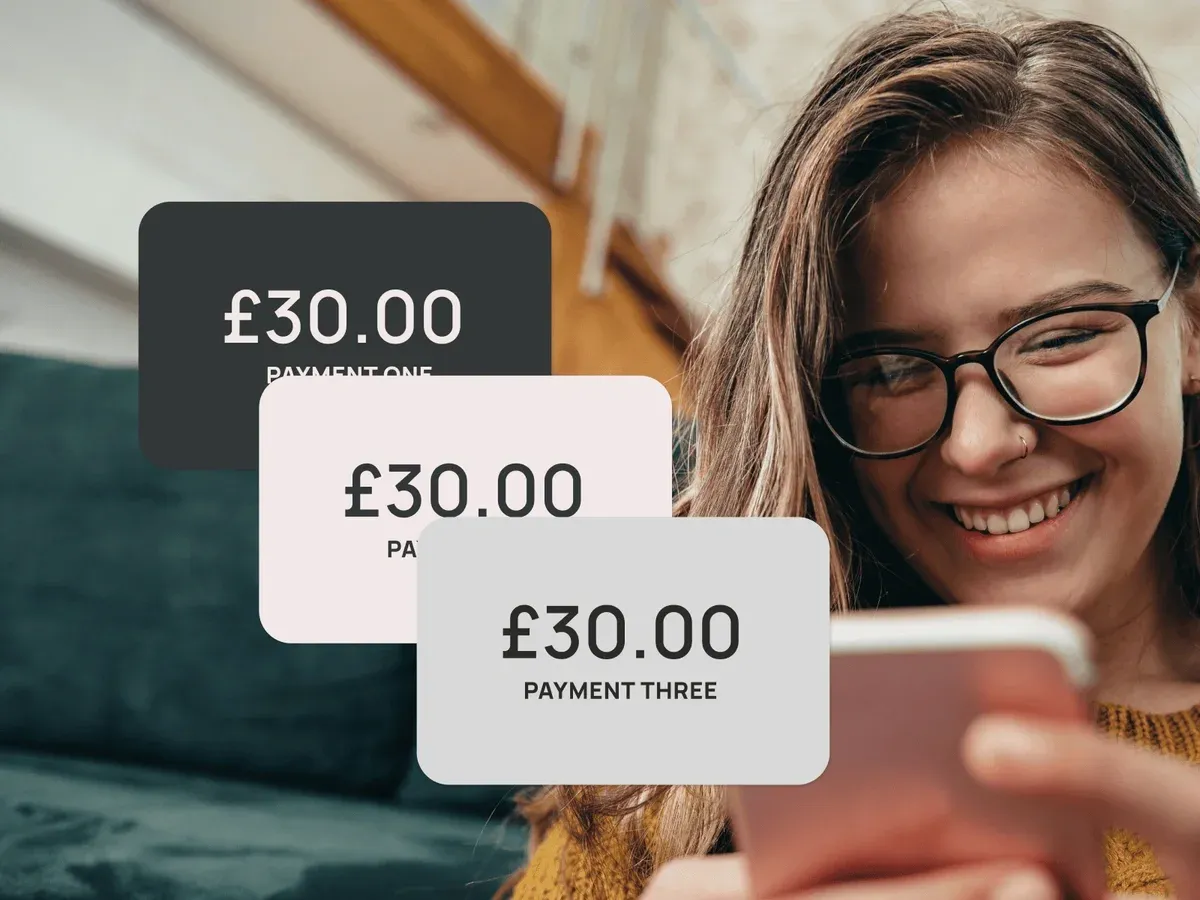
Take control of your finances with balance transfers and instalment plans.
Transaction declined? No problem, use a backup card for your payment.
Terms and limits apply
Curve Pay brings all your cards together in one secure
wallet - so you can save more with every payment.
Switch cards after you pay, skip hidden FX fees, and
stack rewards effortlessly. Regulated across the UK and
EEA and built for people who expect more from their wallet.