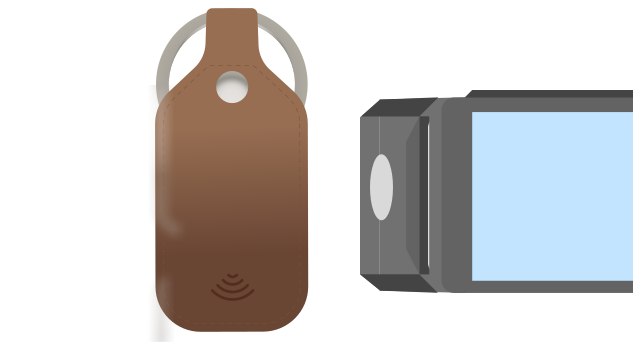
Your wallet. On your keys.
Turn your keys into a contactless wallet. Add your cards to your Curve keychain and tap to pay - no phone, no wallet, no hassle.

Everyday Spending

Smart Features

Flexible Payments

Security & Control

Turn your keys into a contactless wallet. Add your cards to your Curve keychain and tap to pay - no phone, no wallet, no hassle.
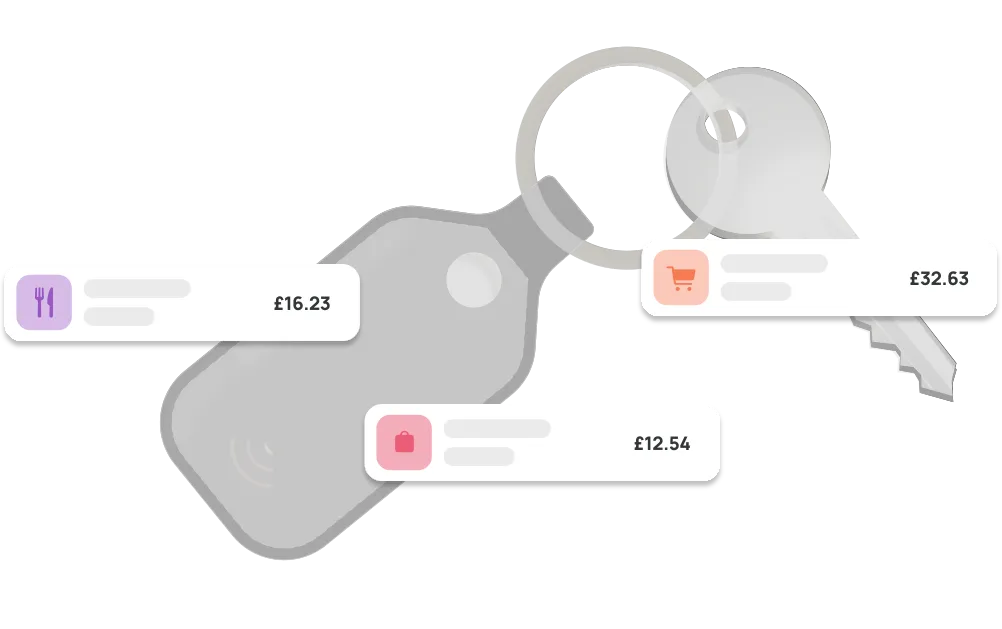
Pay directly from your keychain - no phone or wallet needed. Just tap and go wherever contactless is accepted, whether you’re grabbing coffee, commuting, or heading out light.

Add your Visa, Mastercard, or Diners Club cards to Curve Pay and link them to your keychain. Choose your default card in the phone app and pay instantly - no switching, no delays at checkout.

Curve Pay applies Mastercard exchange rates to help you avoid unnecessary FX fees abroad. You can also earn cashback on eligible spending, on top of your existing bank rewards.
Spend like a local - wherever you are.

Every payment is protected with tokenised card details, so your real card number is never shared.
You can instantly lock your Curve Pay wallet in the app if it’s lost.
Real-time notifications and fraud monitoring help you stay in control of every transaction.

Yes. Once set up, you can make contactless payments directly from your Curve keychain without needing your phone.
No. The Curve keychain doesn’t require charging - it’s always ready to pay.
Yes. Payments use tokenisation, meaning your real card details are never stored on the device.
You can deactivate it immediately in the Curve Pay app. This removes access to all payment tokens linked to the device.
Anywhere contactless Mastercard or Visa payments are accepted.
Yes. With Go Back in Time®, you can move a payment to another card in the Curve Pay app after the transaction.
Yes. You’ll continue earning your existing bank rewards, plus any Curve cashback where eligible.
Download Curve Pay, then use the relevant app to link your Curve Pay card to your keychain and start paying.

Unlock 1% cashback and skip the FX fees.
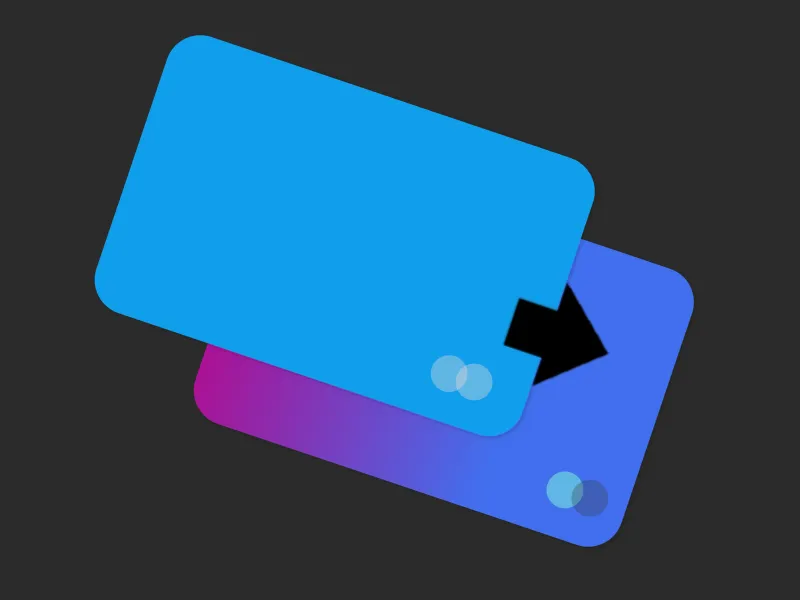
Made a payment on the wrong card? Fix it with Go Back in Time®.
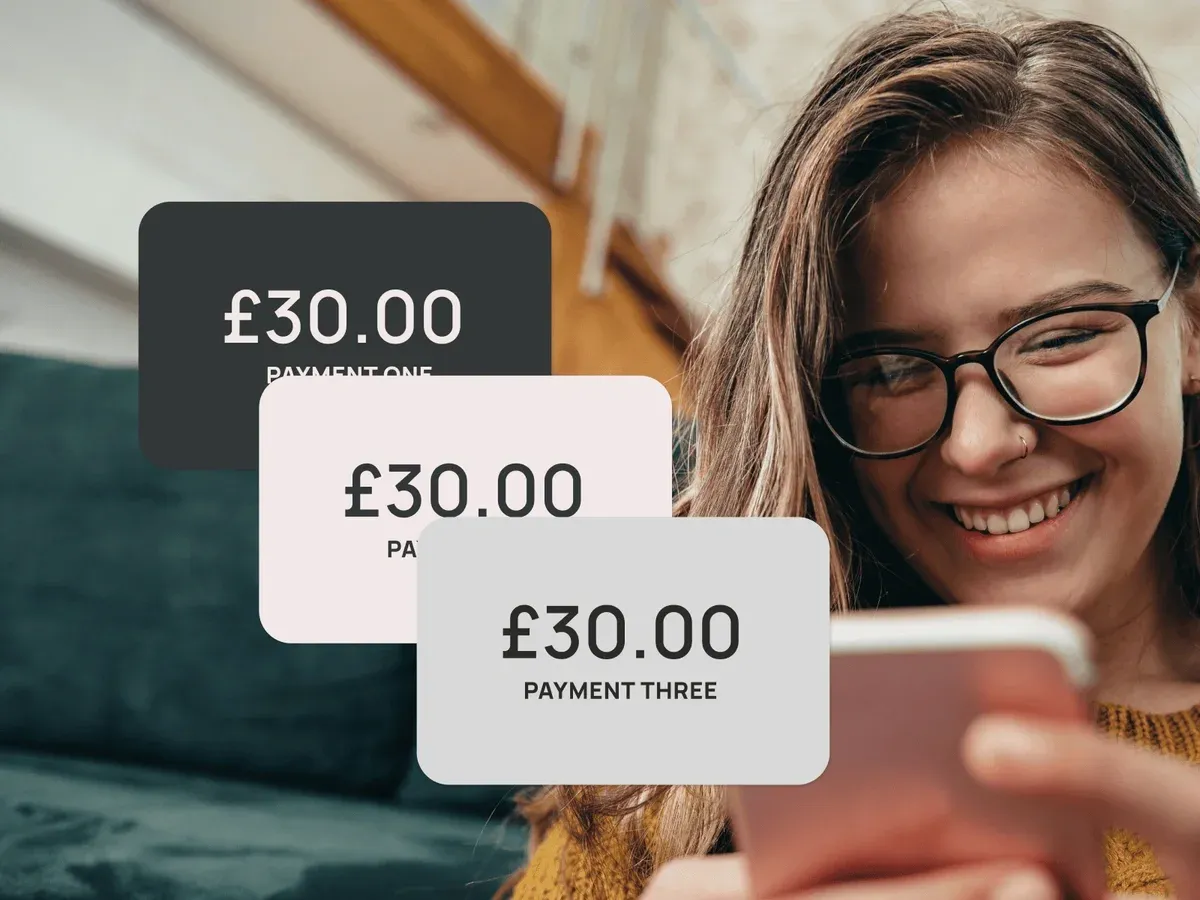
Take control of your finances with balance transfers and instalment plans.
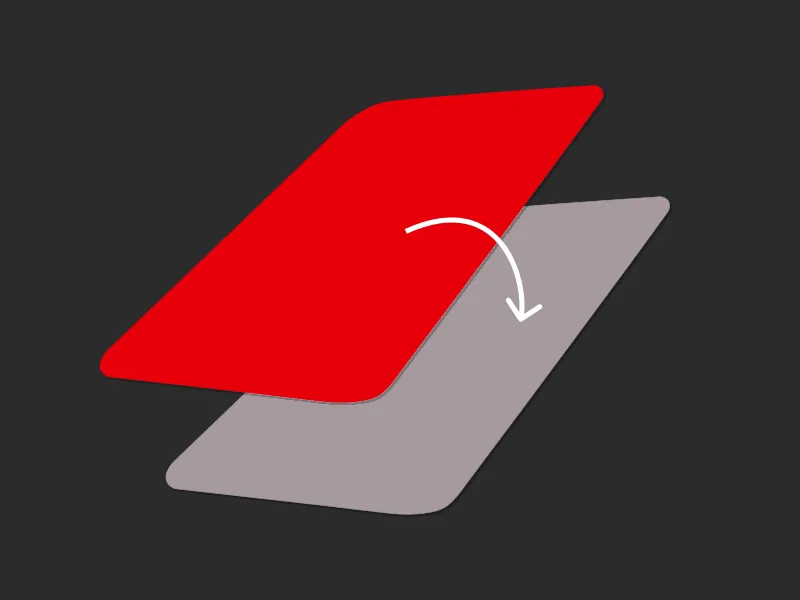
Transaction declined? No problem, use a backup card for your payment.
Terms and limits apply
Curve Pay brings all your cards together in one secure
wallet - so you can save more with every payment.
Switch cards after you pay, skip hidden FX fees, and
stack rewards effortlessly. Regulated across the UK and
EEA and built for people who expect more from their wallet.